Redact a face in a photo
Cover one face or every face in a group shot. Redacted finds them automatically, then you pick the style: a black bar, a solid box, a blur, pixelation or an emoji. It all happens in your browser, so the photo is never uploaded.
How face redaction works here
- Drop a photo into the editor, or paste one from the clipboard.
- Press Detect faces. Every face found gets covered at once.
- Click any cover to change its style, resize it, or delete it. Drag a new box over anything the detector missed.
- Download. The masks are flattened in and the metadata is stripped.
Choosing a style
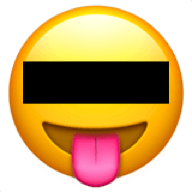
- Black bar over the eyes. The recognisable classified-document look. Good for tone, weaker for privacy, since the jaw, hair and build stay visible.
- Solid box over the whole face. The strongest option. Use it when the person must not be identifiable.
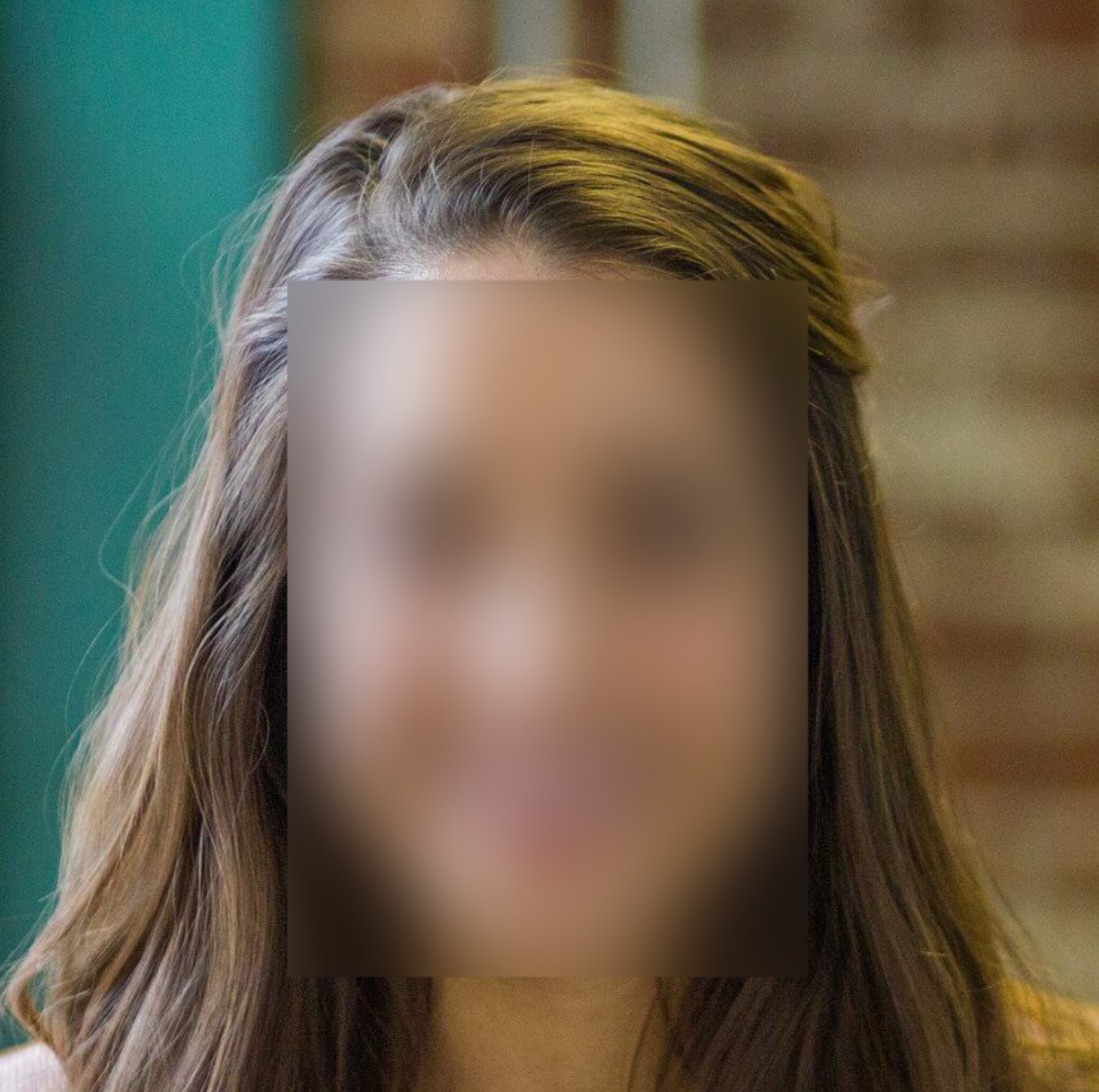
- Blur. Softer and more natural in family photos. Keep the strength high, because a light blur can be partially undone.
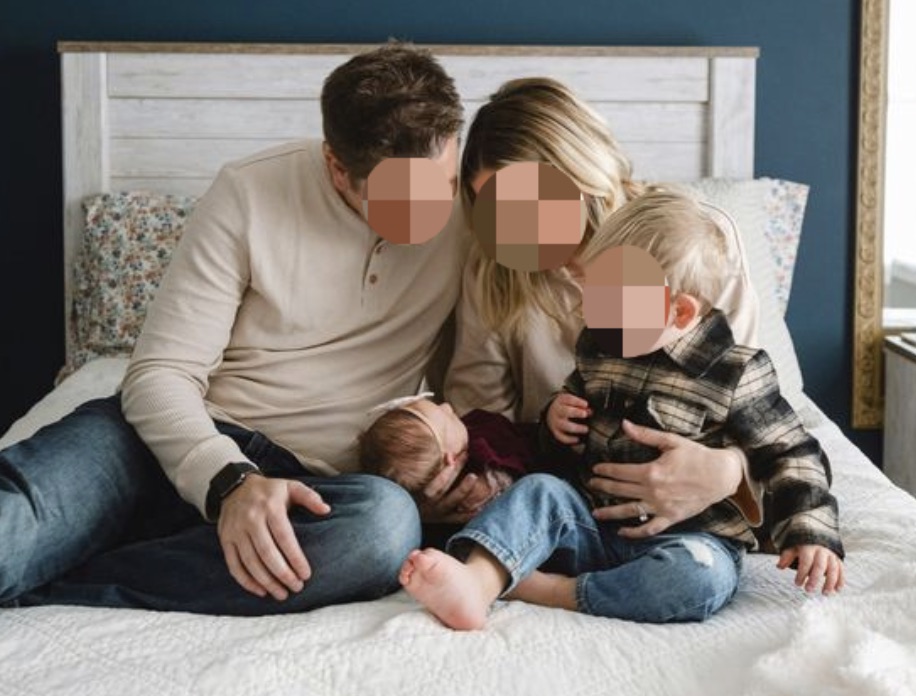
- Pixelation. The familiar mosaic. Use large blocks; small blocks leave too much structure behind.
- Emoji. Friendly for social posts, and it fully replaces the pixels underneath.
Why a bar over the eyes is not always enough
Identification does not rely on eyes alone. Hairline, jaw shape, ears, clothing, tattoos and the background can all narrow a person down, and reverse image search does not need a full face to find the original. If the goal is genuine anonymity rather than a stylistic effect, cover the whole head, and check the rest of the frame for name badges, screens, documents, house numbers and reflections.
Weak covers are also reversible in some cases, which is the subject of whether redacted images can be unredacted .
Common reasons people redact faces
Posting a photo that has strangers in the background, sharing a classroom or team picture without consent from everyone in it, publishing protest and street photography, showing a screenshot of a group chat, illustrating a news or research piece, and posting pictures of other people's children.
Related
FAQ
What does a redacted face mean?
A face deliberately covered so the person cannot be identified. The classic look is a black bar across the eyes, borrowed from declassified documents and news photos, but a full black box, a blur, pixelation or an emoji sticker all count as face redaction.
Which style actually protects someone's identity?
A solid black box is the strongest, because the pixels underneath are replaced. Blur and pixelation are weaker: at low strength a face can sometimes be reconstructed, and pixelation applied in small blocks leaves recoverable structure. Use a solid cover when it genuinely matters, and cover the whole head rather than just the eyes.
Does it find faces automatically?
Yes. Redacted runs face detection on your device, marks every face it finds, and lets you switch any of them to a different style or adjust the area. It works on group photos, and you can still add regions by hand for faces it misses, such as a profile turned far from the camera.
Are the photos uploaded to a server?
No. Detection and redaction both run locally in your browser, so the image never leaves your device. There is no account, no watermark, and the exported file has its metadata stripped.
Does it work on group photos?
Yes. Detection marks every face it finds in one pass, so a team photo or a crowd shot is covered in a single step. Each cover stays independently editable, so you can leave one person visible or give a different style to each face.